

Guide: First Steps in the App and Account Setup
Welcome to Domee.app! This app simplifies the management of your home and communication within your housing association. Before you can take full advantage of all features, you need to register or sign in.
Download the App
You can download the app to your mobile phone in the usual way:
- For iPhone: From the App Store.
- For Android: From Google Play.
Simply search for "Domee.app" and tap the install button.
1. Home Screen and Sign In
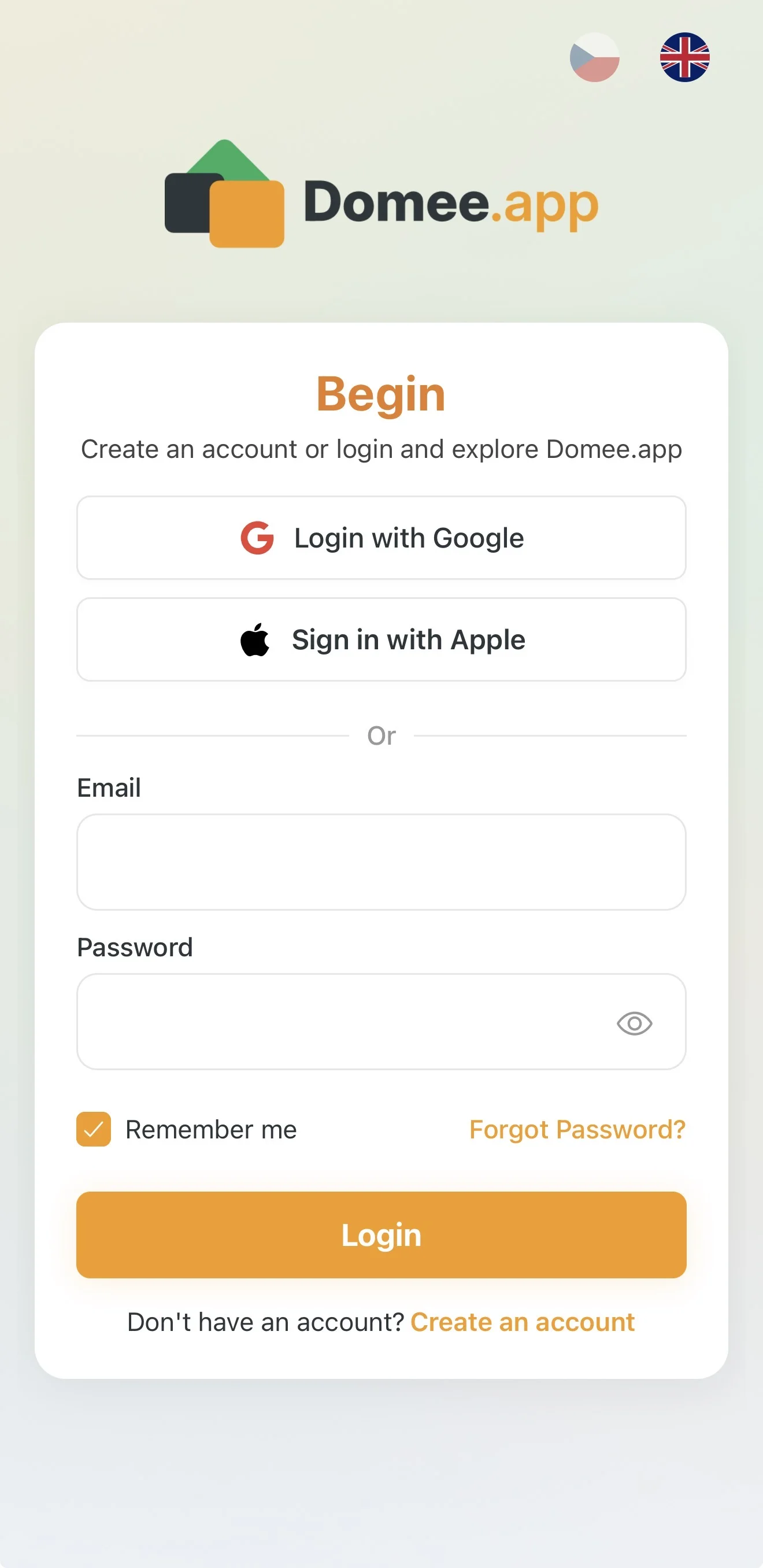
When you first launch the app, you will see a screen with the heading Get Started. Here you have two main ways to access the system:
- Quick sign-in: Tap the Sign in with Google button. It's the fastest option — no need to remember an extra password.
- Email and password: If you already have an account, enter your Email and Password and tap the orange Sign in button.
Tip: If you forget your password, tap the orange Forgot password? link and the system will send you instructions to reset it.
2. Creating a New Account (Registration)
If you are opening the app for the first time and don't have an account, follow these steps:
- On the home screen, tap the orange Create an account link at the bottom.
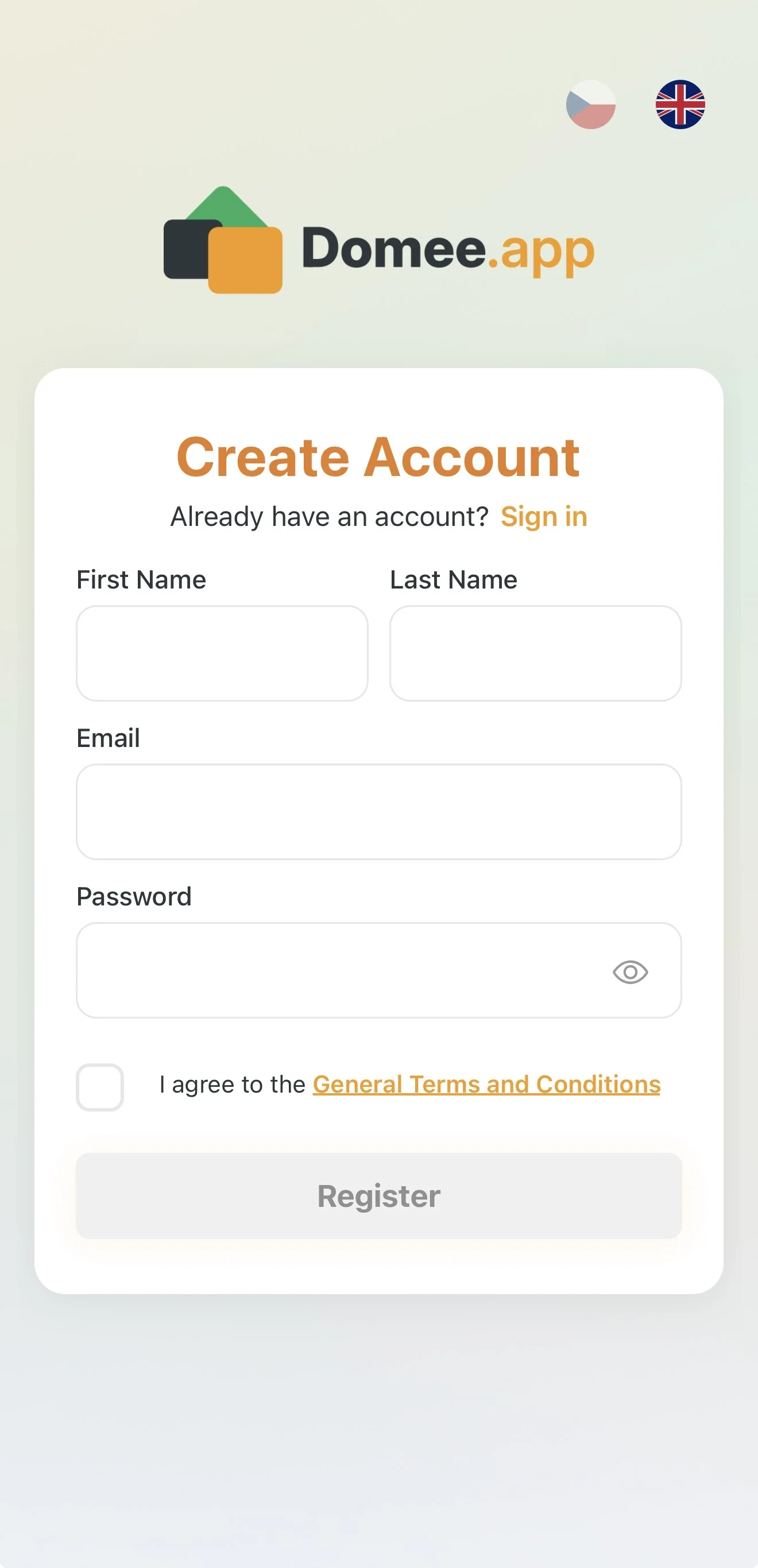
- A Create account form will appear. Fill in:
- First name and Last name (your neighbours and the board will see these details).
- Email (used for signing in and important system notifications).
- Password (choose a strong password; you can tap the eye icon in the field to reveal it).
- Terms and conditions: Before finishing, you must check the box confirming you agree to the general terms and conditions.
- Tap the Register button.
Important Information
- Language selection: In the top-right corner of the screen you can switch between Czech and English at any time using the flag icons.
- Storage limits: After registering on the FREE plan, you have 50 MB of space for your documents and photos. If you need more space (e.g. for inspection reports or a large photo library), you can upgrade to PREMIUM (10 GB) in the future.
- Communication: All communication with your housing association or property manager takes place directly inside the app. Once signed in, you no longer need to deal with group emails.
Next step after registration is setting up your property: Onboarding – Profile Setup.