

Documents and Digital Archive
The Documents module in Domee.app is your personal library of all important materials related to your home and the running of the whole housing association. All key documents are always available on your phone.
1. How to Access Documents
- In the bottom menu, tap the HOA icon (building).
- In the top bar select the Documents tab.
2. Folder Structure
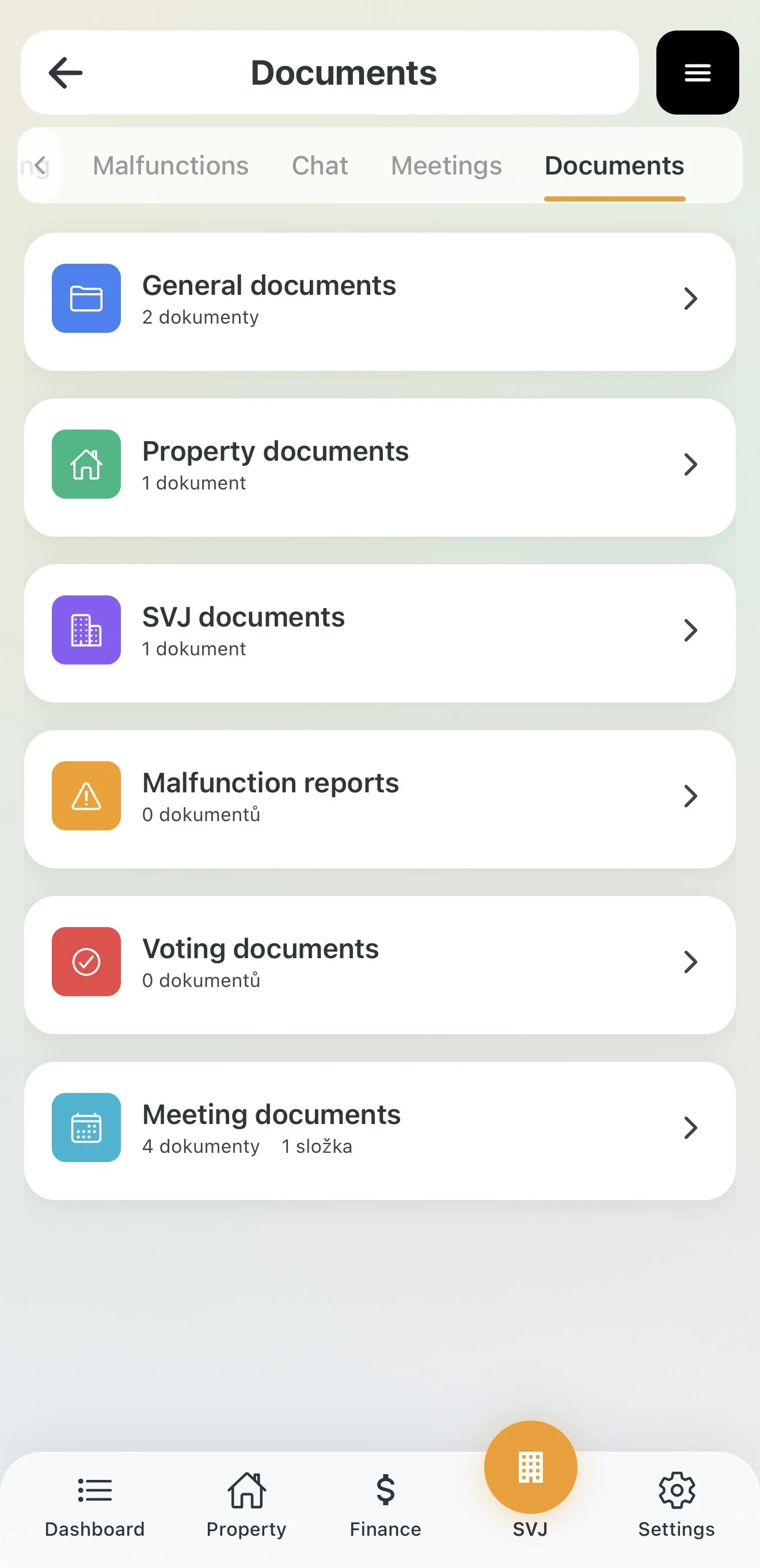
The HOA board manages several thematic folders for you. You will see those set as "Public":
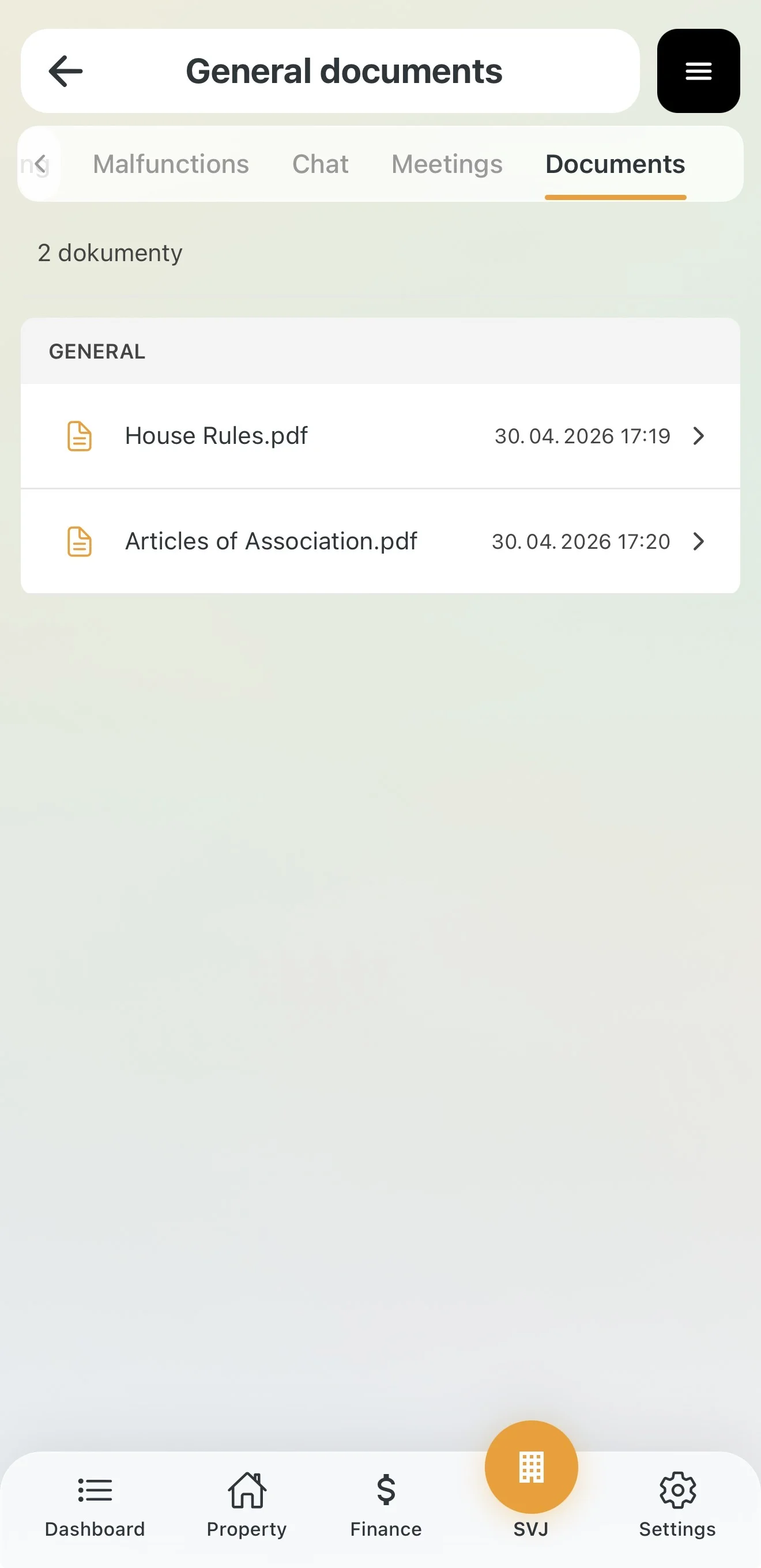
- General documents: House rules, internal regulations or fire safety directives.
- Property documents: Energy performance certificate, inspection reports or technical drawings.
- HOA documents: Information about the association's bodies and other administrative materials.
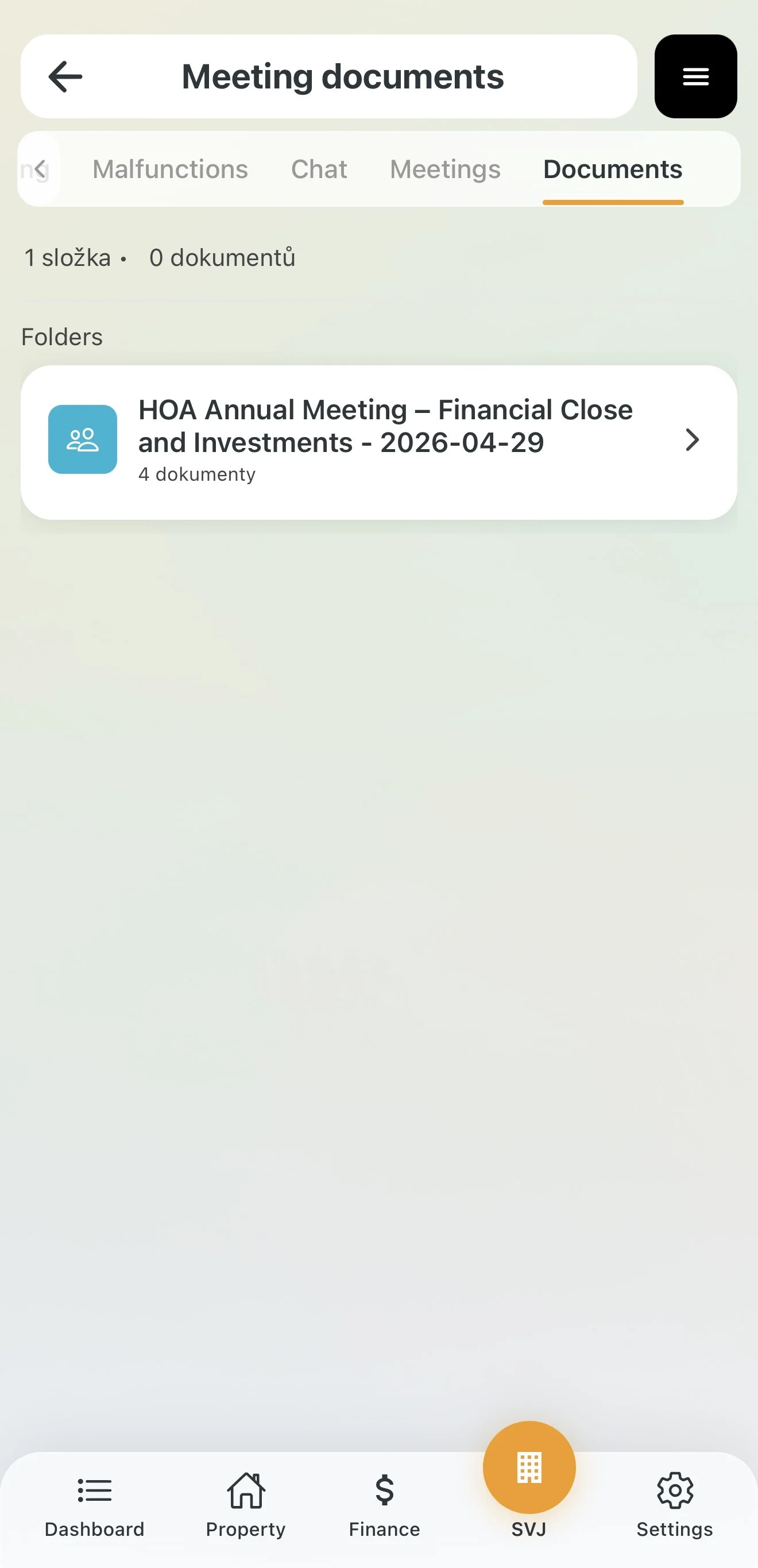
- Meeting documents: Archive of invitations and final meeting minutes.
- Voting documents: Materials from completed online per rollam votes.
3. Working with Documents
As an owner you have the right to view and download documents:
- Open: Tap a folder to see the list of files.
- Preview: Tap a specific document to open it directly in the app.
- Download: Save the document to your phone or send it by email.
4. Access Restrictions
To keep the archive organised and under board control, the following rules apply to owners:
- Owners cannot create their own folders or upload files to shared folders.
- If you see fewer documents than expected, the board has set some folders as private (e.g. draft contracts or invoices).
Tip: If you're missing an important document (e.g. the current lift inspection report), contact the board via the Communication module.