

HOA Dashboard – Quick Actions
The dashboard in Domee.app is your main communication hub. The HOA Information section lets you manage building contacts and handle defect reports.
1. Quick Contacts on the HOA Dashboard
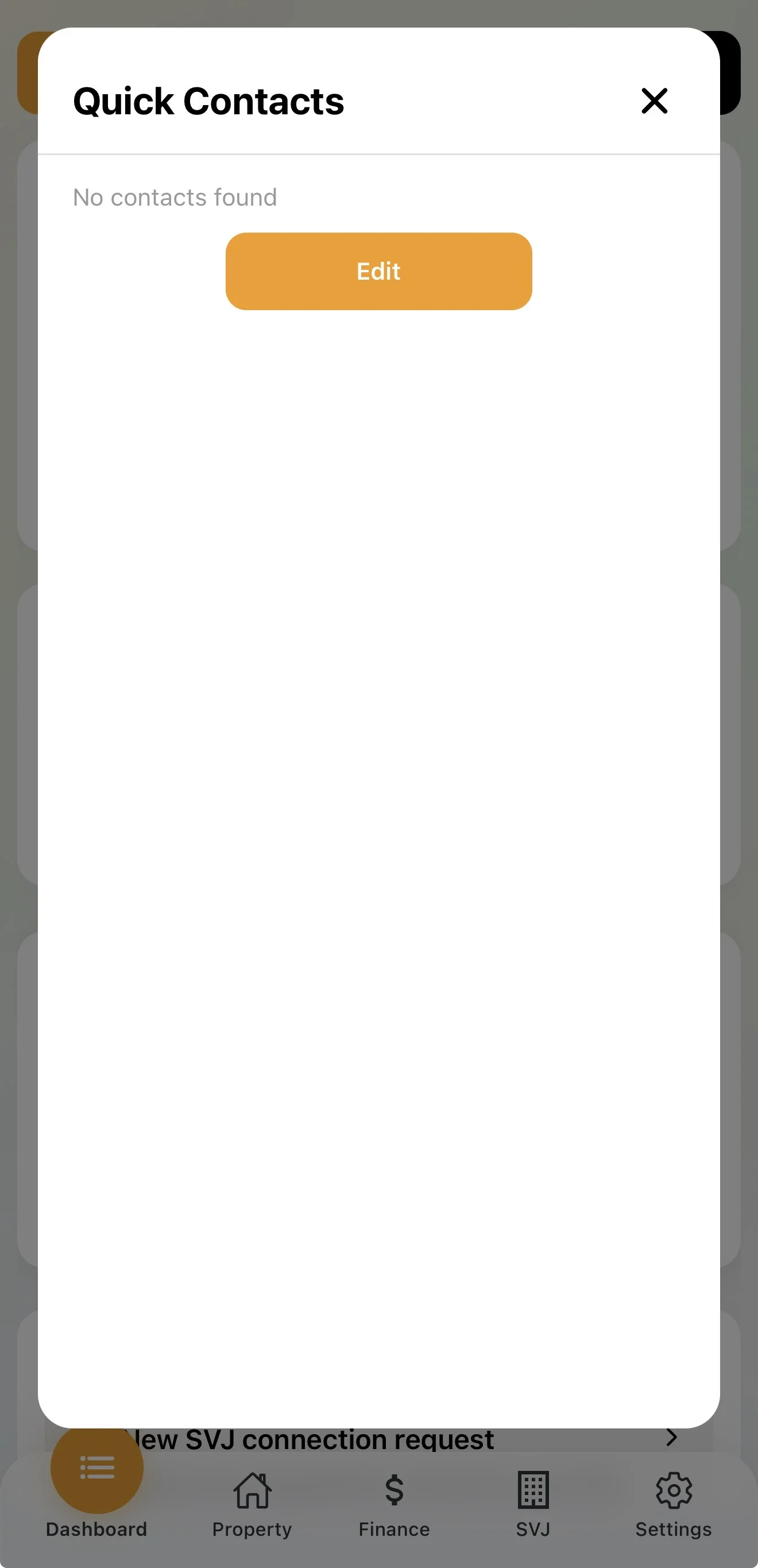
As a board member, you manage the contacts visible to all residents in the building.
Tap the Edit button in the Contacts section. A form appears for adding or editing a contact:
- Name and phone — enter the person's or company's name and contact number.
- Visible to all — when enabled, the contact immediately appears on every resident's dashboard.
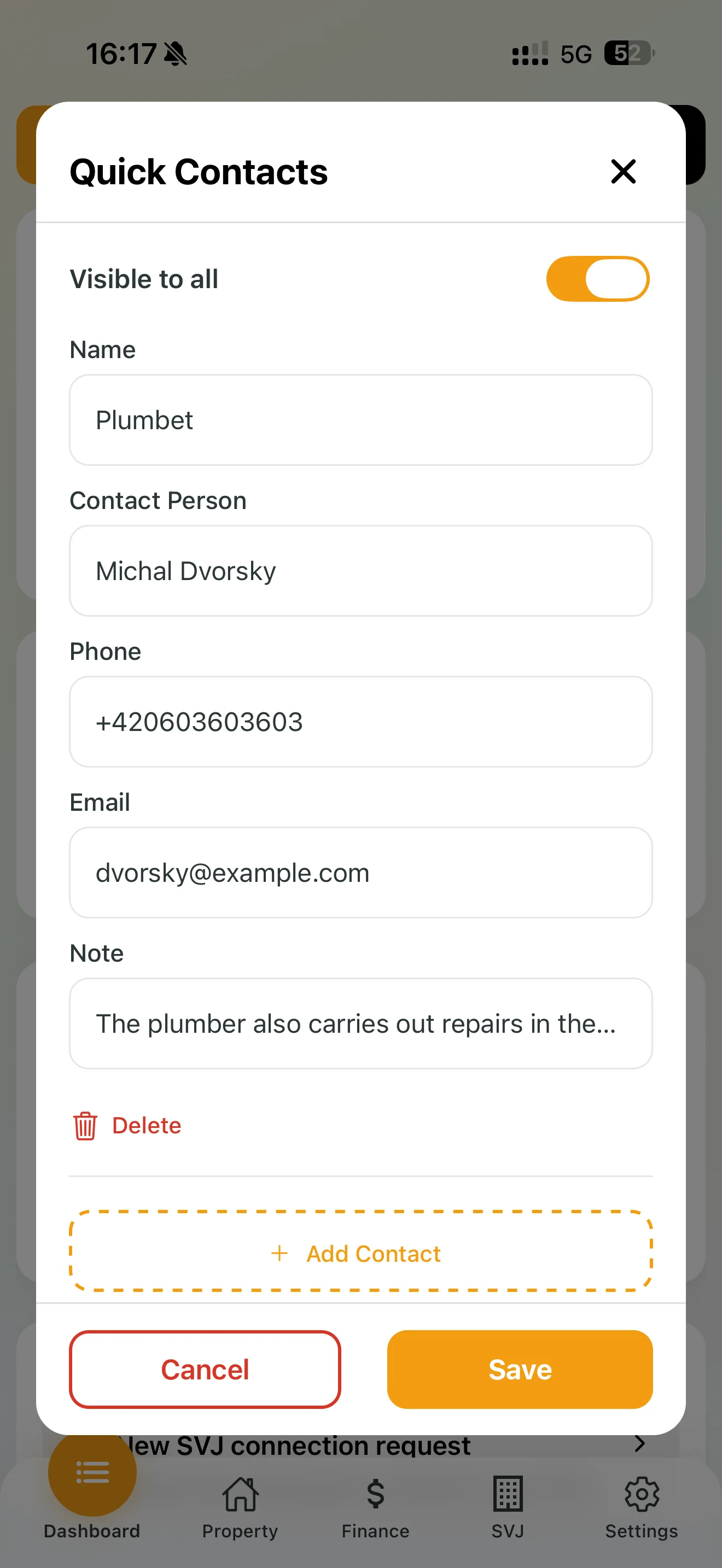
Tip: Add contacts for the building manager, elevator service or plumber — residents will appreciate it in every emergency.
2. How to Report a Defect
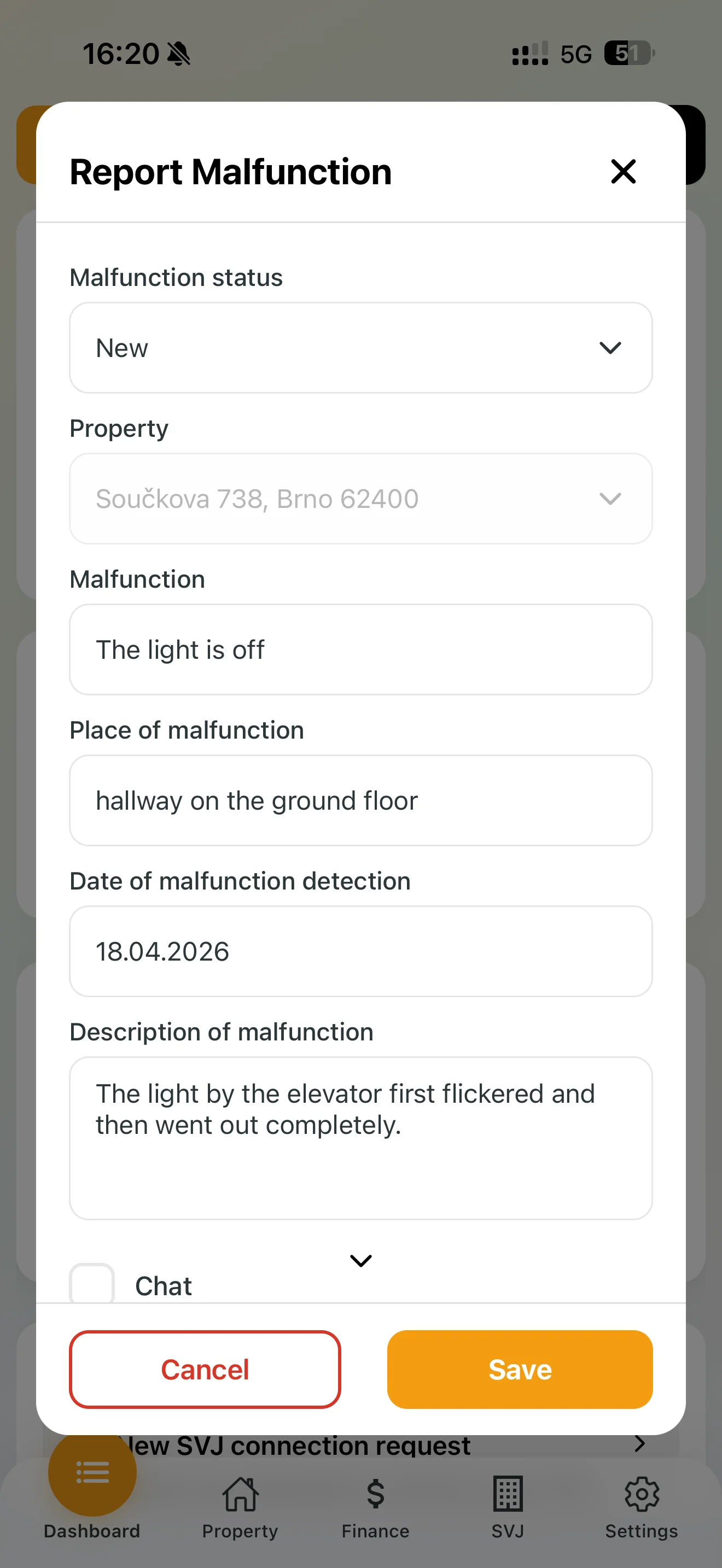
Any board member or apartment owner can report a defect directly from the dashboard. If a board member is reporting on behalf of another resident, the process is the same:
- Tap the Report Defect button.
- Property: If your HOA manages multiple buildings, select the correct address.
- Defect and location: Briefly name the problem and specify where it is (e.g. "Ground floor hallway").
- Description: Describe the issue in more detail (e.g. "The light near the elevator flickered and then went out completely").
- Date: Filled in automatically, but can be adjusted if reporting retrospectively.
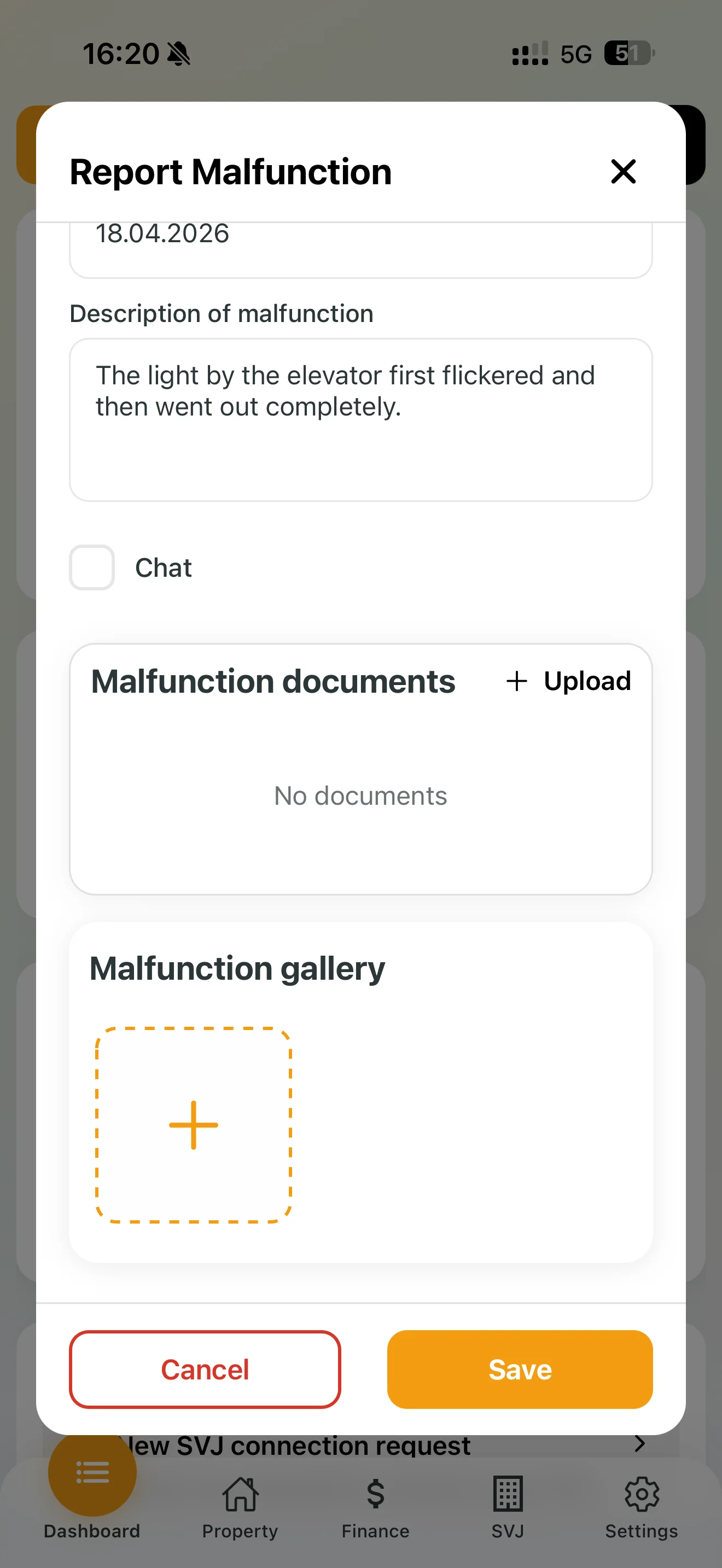
- Defect gallery: Photograph the problem. A photo helps assess the extent of damage and order the right repair person faster.
- Tap Save.
3. What to Do After Receiving a Defect?
Once a defect is saved, you as a board member can see it in the defect overview and act immediately.
- Change the status: As soon as you pick it up, change the status to In Progress — residents will know someone is handling it. Defects move through: New → In Progress → Resolved → Closed.
- Defect chat: Open a chat directly on the defect to communicate with the reporter or contractor. The reporter receives a notification for every new message.
Note: Only an HOA board member can open a defect chat, to keep communication with contractors structured and clear.